Getting Started
Recommended settings for new users
3 min read·Updated September 16, 2026
A safe starting configuration using only settings available in the current HorizonVPN app.
Start with the defaults, then change one setting at a time only when you have a specific need. Available controls can vary by platform, plan, and app version.
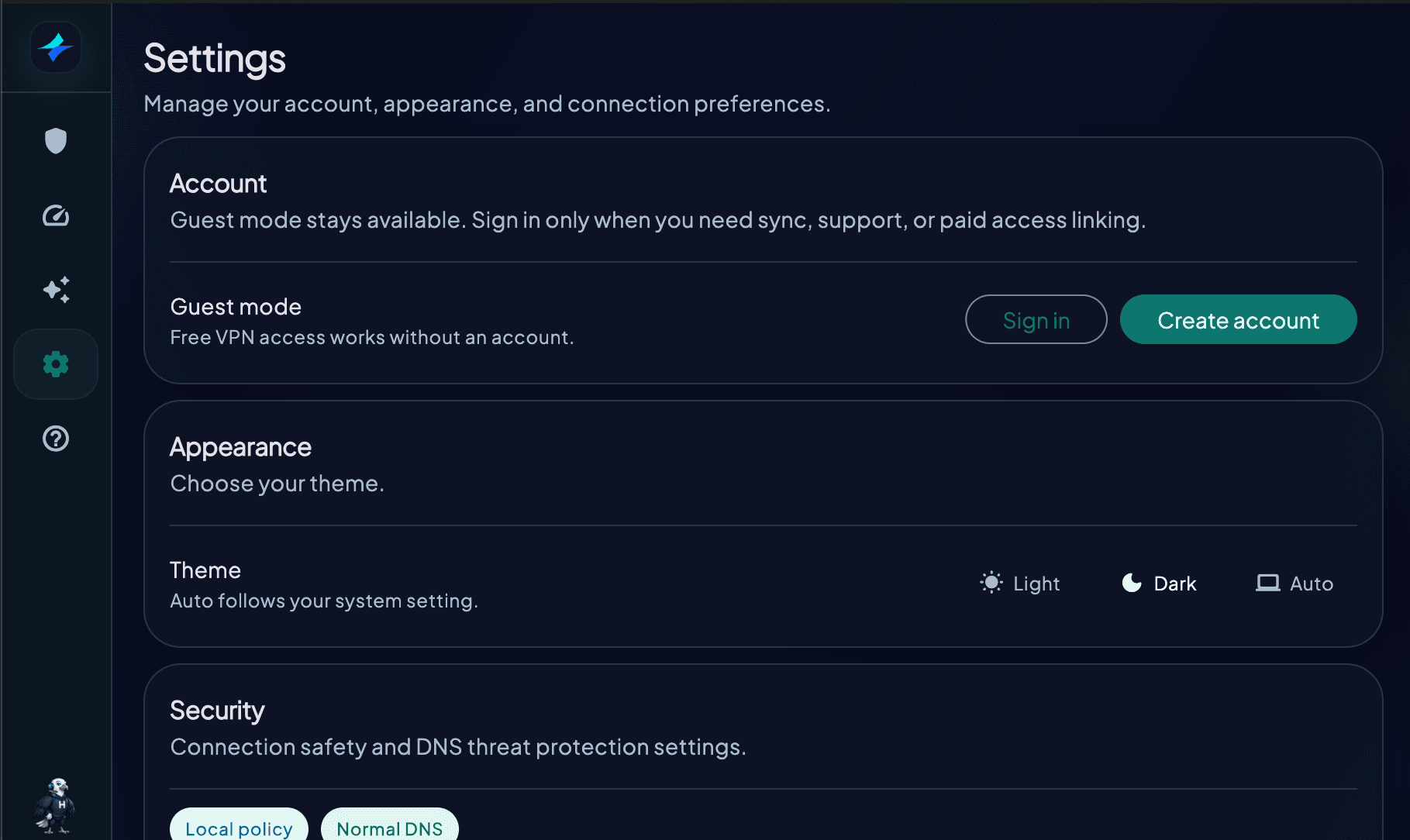
Security settings
- Kill switch: turn it on when preventing fallback to the normal connection matters more than uninterrupted internet
- Android: use Always-on VPN and Block connections without VPN when you need a system-level network lock
- DNS threat filters: enable the filters you want; some controls can require Premium access
- Telemetry: choose whether to share anonymous diagnostics from Settings
Protocol
- Protocol: leave it on Auto first
- Connection compatibility: leave it on Automatic unless your network needs a regional compatibility preference
- Manual protocol testing: choose only from the options currently shown as available in the app
Server selection
- General browsing: use Auto or the nearest suitable location
- Specific country: choose that location from the list
- Better performance: compare nearby locations using the built-in Speed test
Launch at startup is available only where the app shows that control. HorizonVPN does not currently provide a public Reset to Defaults control or Trusted Networks list.
settingsrecommendedbeginnerbest practices
Was this article helpful?